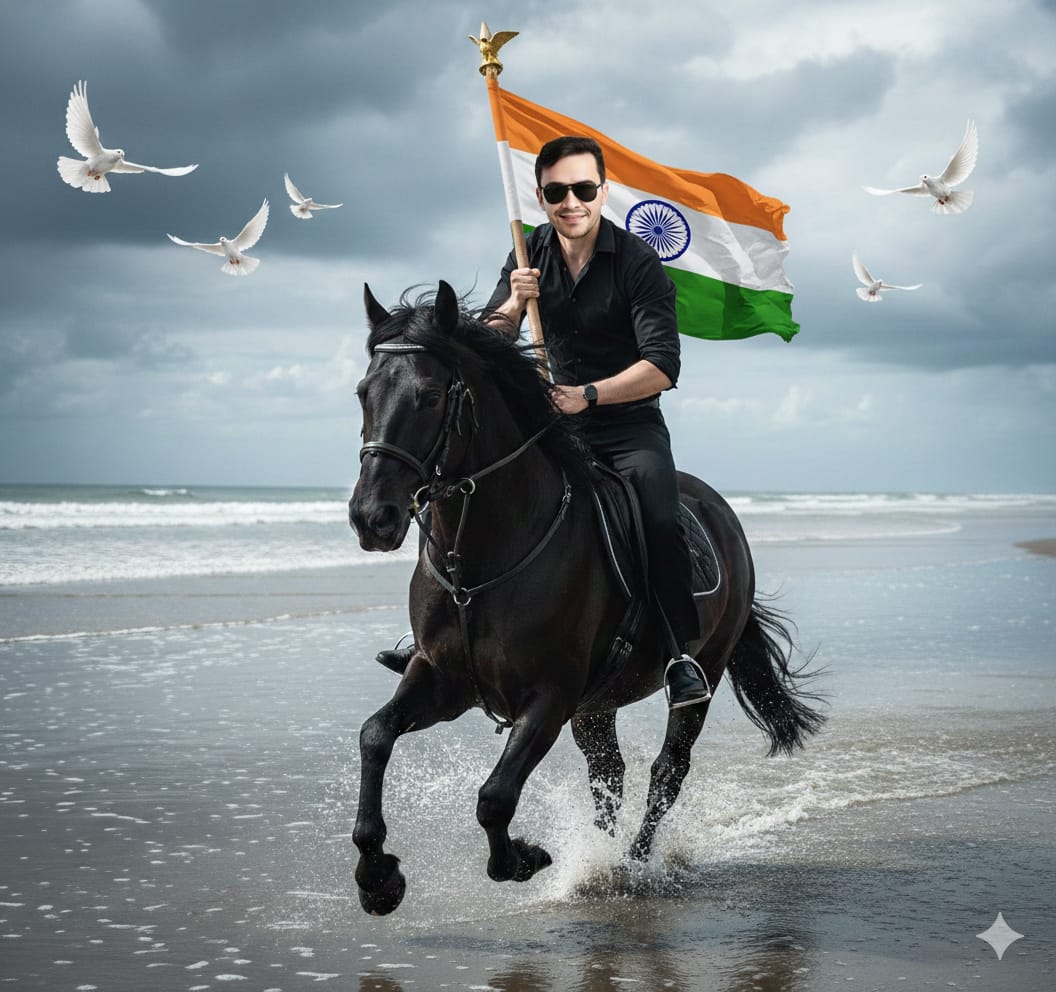
Welcome to our blog! In this post, we introduce the “Don’t Miss These 5 Cinematic 26 January AI Prompts for Instagram Reels,” a guide to capturing love and Republic Day season. Learn how to create heartwarming, cozy scenes that highlight modern republic day photo and shared moments.
WhatsApp Group (Join Now)
Telegram Group (Join Now)
YouTube Channel (Join Now)
Table of Contents
ToggleCreate Such Cinematic Republic Day Trending Image
Ignite your Instagram feed this Republic Day with breathtaking cinematic visuals. As 26 January approaches, dive into these 5 handpicked AI prompts .Designed exclusively for Google Gemini to create stunning. Movie-like Reels that capture the spirit of India’s pride. Whether you’re styling tricolor edits or epic parade scenes. These prompts will skyrocket your engagement and views—no advanced editing skills required. “Only Copy Paste“.
Ai Photo Editing Prompts

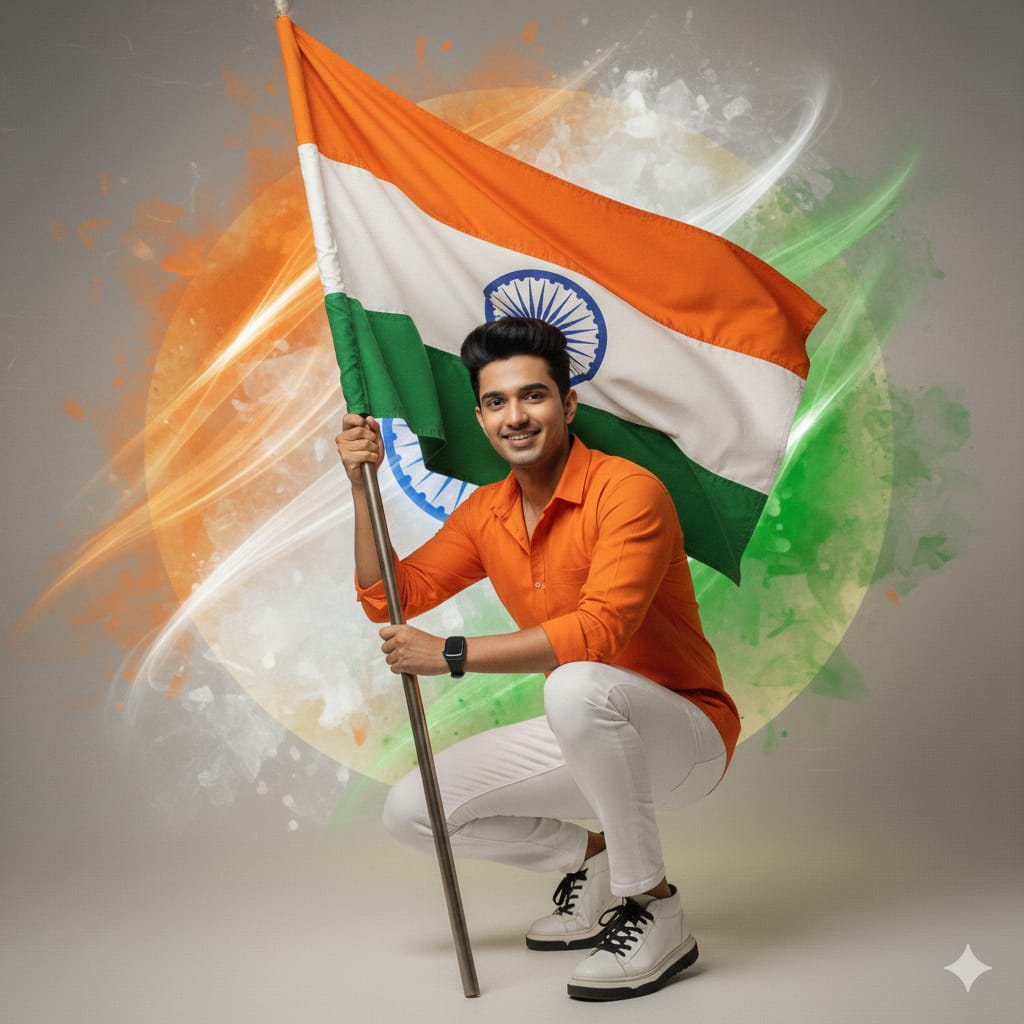
Prompt For This Image
Use my Refrence image Face “A high-quality same as uploaded face and features uploaded image, vibrant Indian Republic Day portrait. A young man with light, He is wearing a crisp orange long-sleeved shirt, white pants’ and white sneakers with black sole and laces. Black Wrist watch on hand. He is in a confident crouching pose, holding a pole with the Indian national flag.. The background is a creative fusion of saffron,
इसे भी देखें....
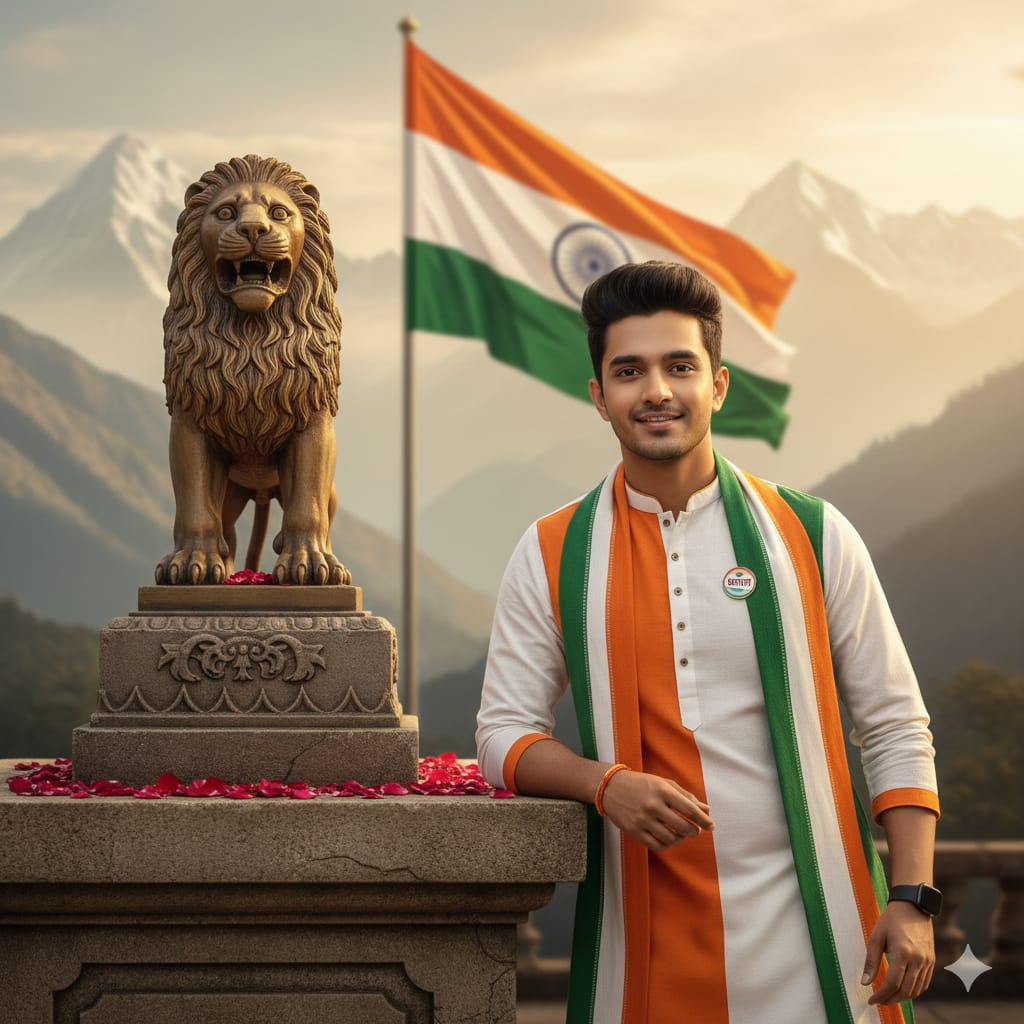
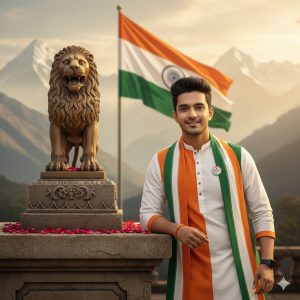
Prompt For This Image
Ultra-realistic cinematic portrait of a young Indian man leaning beside the Lion Capital of Ashoka on a stone pedestal, wearing a white kurta and Indian tricolor scarf with a “Bharat” badge, soft smile, styled hair and light beard. Red rose petals on the pedestal, Indian national flag waving in the background, misty Himalayan mountains, warm golden-hour lighting, shallow depth of field, patriotic mood, photorealistic 8K
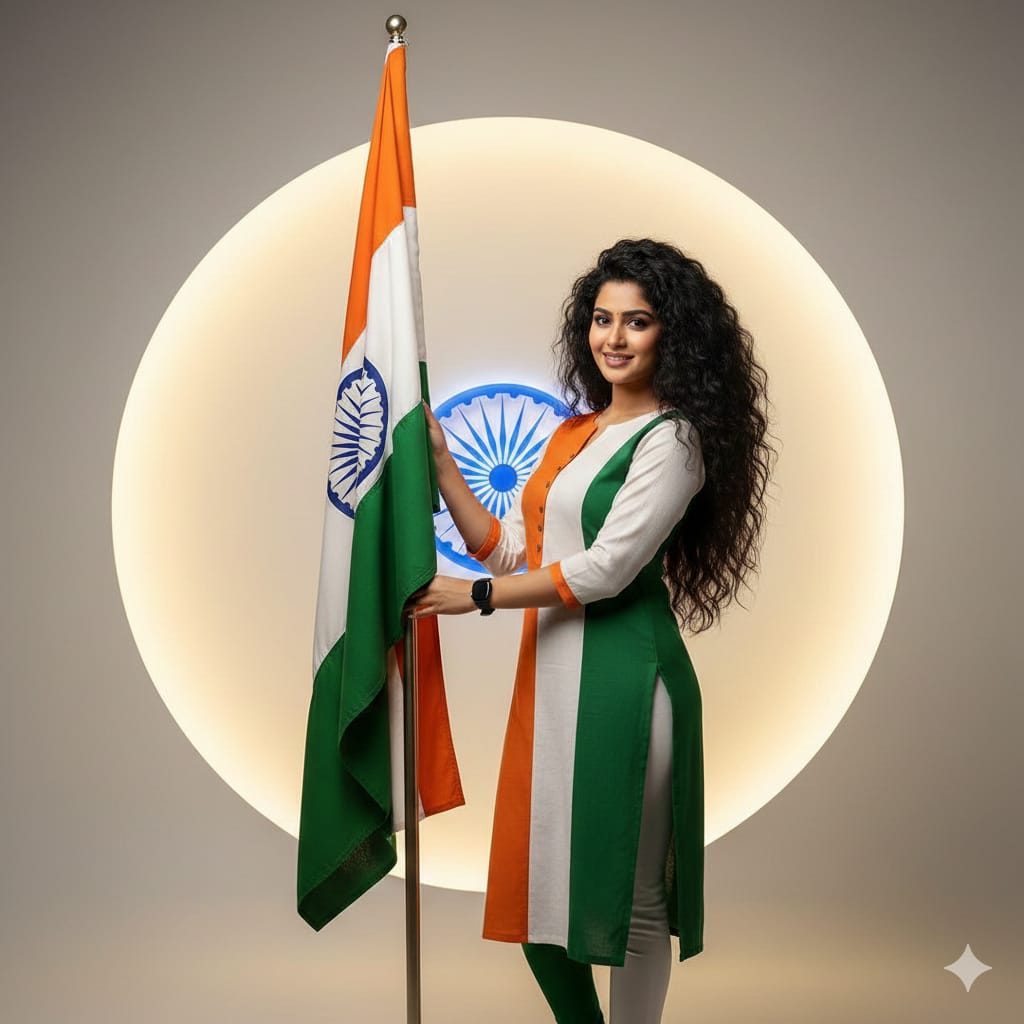
Prompt For This Image
Without changing my facial features A woman is wearing tiranga color kurta and lagging, black watch, his long b volumes thik hairs makeup cute smile styled. A woman holding a flag stand Create a behind a Indian flag with stand. And create a behind the him and it’s brighting it’s color is off white. And it’s look like professional studio Ashok chakra logo
इसे भी देखें....
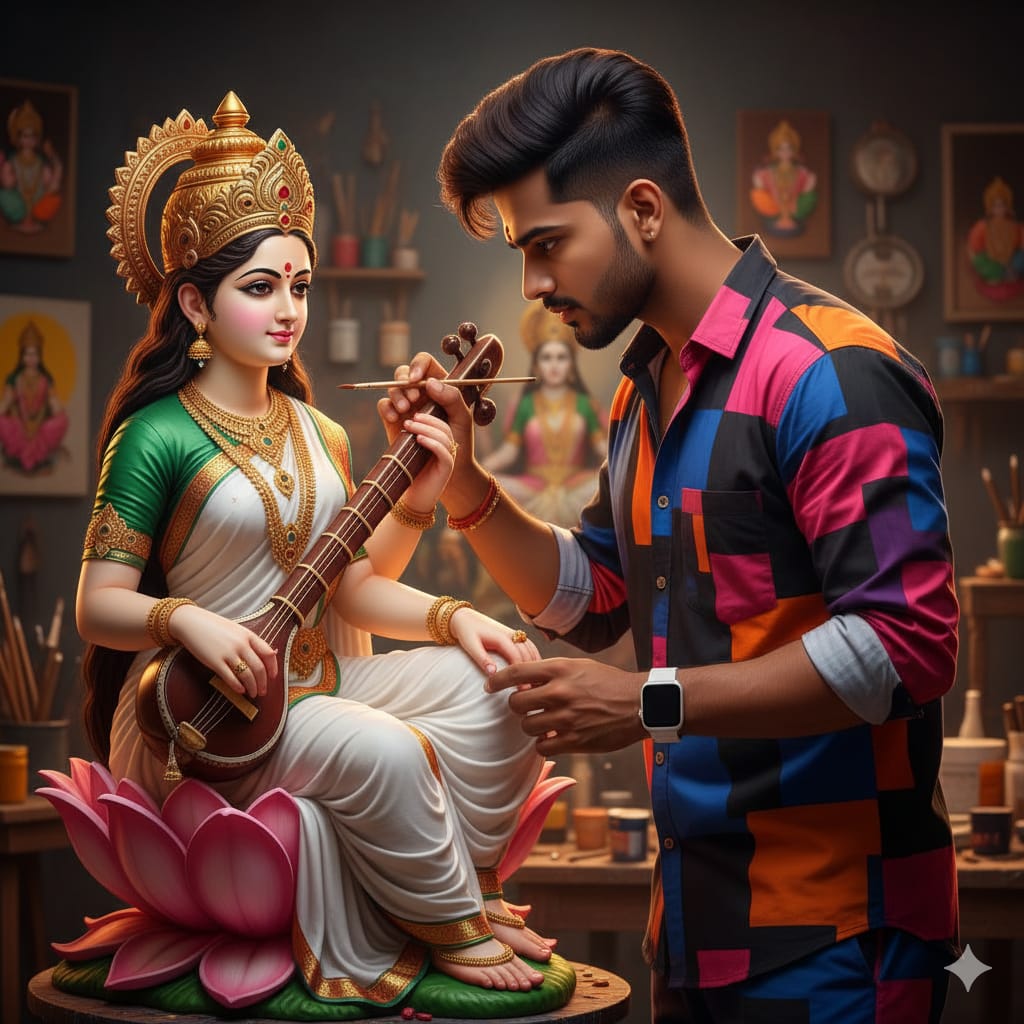
Prompt For This Image
A highly realistic devotional studio scene: a young Indian male artist in a stylish black, pink, blue, purple, and orange shirt and matching pants, wearing a white smart digital watch and machine-styled hair, carefully painting a Goddess Saraswati idol with a fine brush. The goddess sits gracefully on a pink lotus holding a veena, dressed in a white saree with green blouse, adorned with gold jewelry and crown, with a soft divine expression. Warm artistic studio lighting,
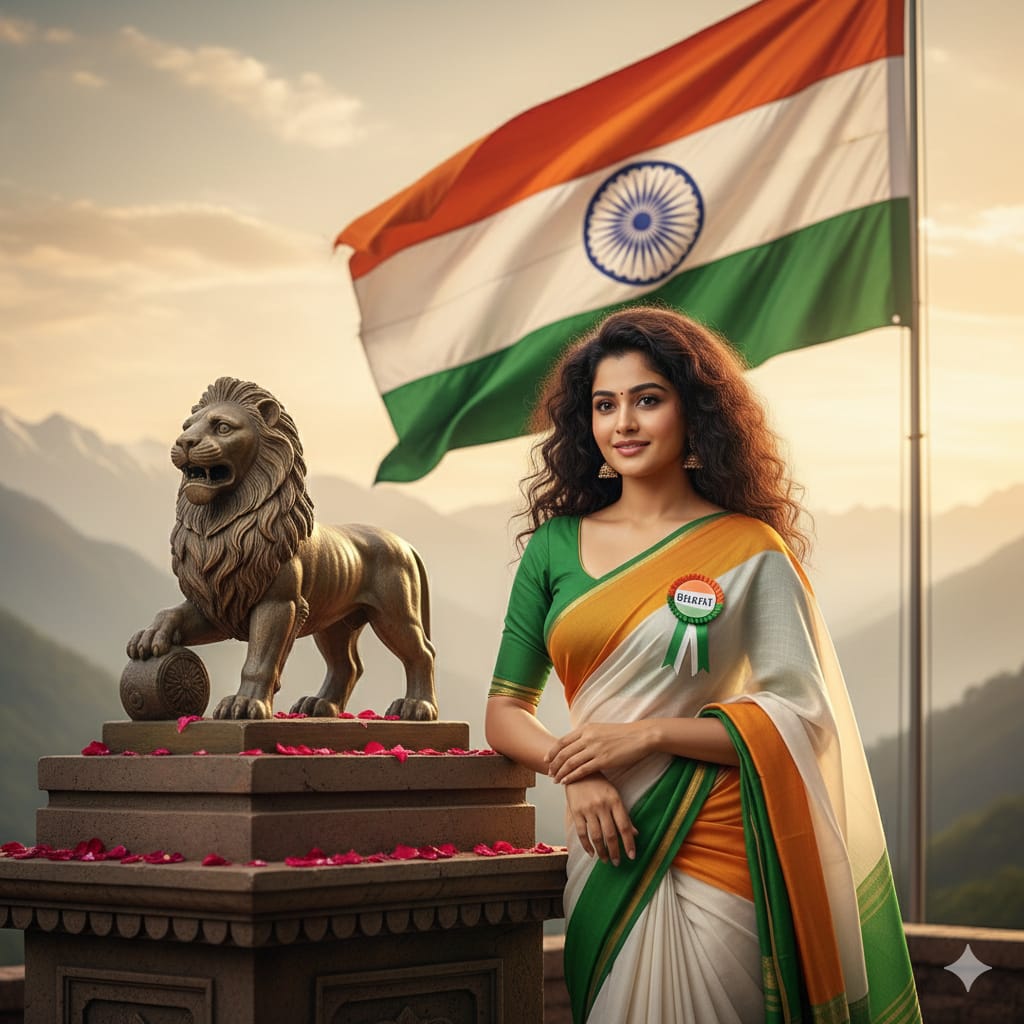
Prompt For This Image
Ultra-realistic cinematic portrait of a young Indian woman leaning beside the Lion Capital of Ashoka on a stone pedestal, wearing a tiranga colour saree with a “Bharat” badge, soft smile, Curley styled hair. Red rose petals on the pedestal, Indian national flag waving in the background, misty Himalayan mountains, warm golden-hour lighting, shallow depth of field, patriotic mood, photorealistic 8K
Read Also:
How to Create Cinematic 26 January Ai Image
In this image, I have created a photo of Cinematic 26 January Ai Image . When creating an image, it’s crucial to ensure it relates to you. For instance, if I create an image of sibling, there should be elements of him or something similar in the background. The key parts, like the shoe, should be visible in the picture to blend the photos seamlessly. Without this attention to detail, your edits may not be well-received.
To create your own image, follow the prompt below the image in this article. Copy the prompt, visit the Google Gemini Image Creator website, and paste it into the provided box. Modify the name as needed and create your image. That’s it—your image will be ready!
Conclusion
Discover the “Don’t Miss These 5 Cinematic 26 January AI Prompts for Instagram Reels” with Gemini AI Image Creator. Enhance your photos with cutting-edge AI technology, featuring innovative tools and stunning effects tailored for your Name Art Ai themes. Elevate your visual storytelling and create captivating, vibrant images effortlessly.
Thanks for visit this post : “Don’t Miss These 5 Cinematic 26 January AI Prompts for Instagram Reels 2026“.
People Also Ask Question...
Ques:1. How to Create Bing Ai Image Generator Account ?
Ans: Fallow the given link we guide step by step. Definitely you create your successfully Bing Ai Image Generator Account. Click Here...
Ques:2. How to Create Bhai dooj Ai Image ?
Ans: Copy the prompt and click Button on Create Your Frist Ai Image.